SIM2Field XR App
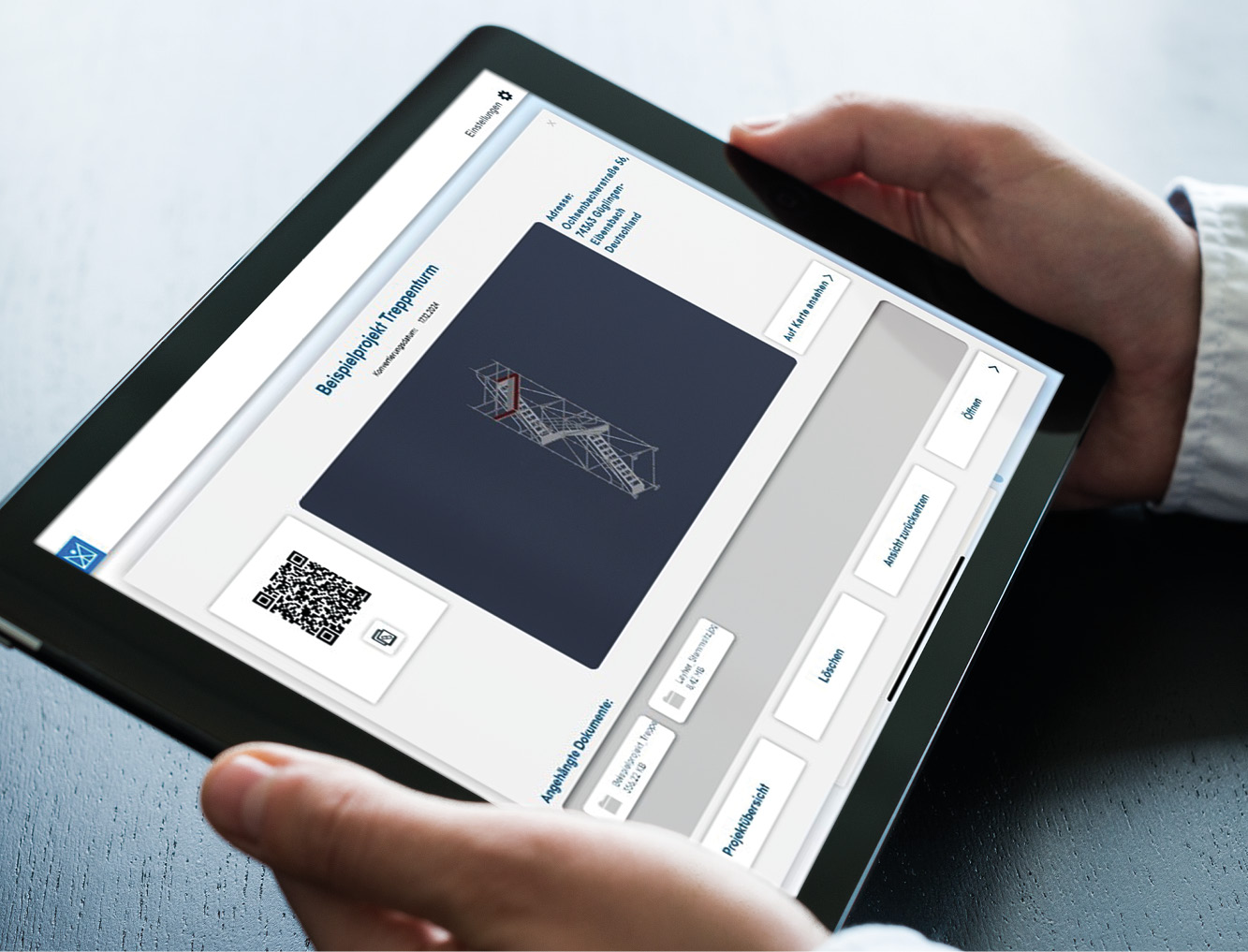
The SIM2Field XR app is used for work preparation and to support the assembly and inspection of scaffolding structures on the construction site. By using 3D scaffolding models, paper plans are reduced and at the same time the flow of information to the construction site is optimised.
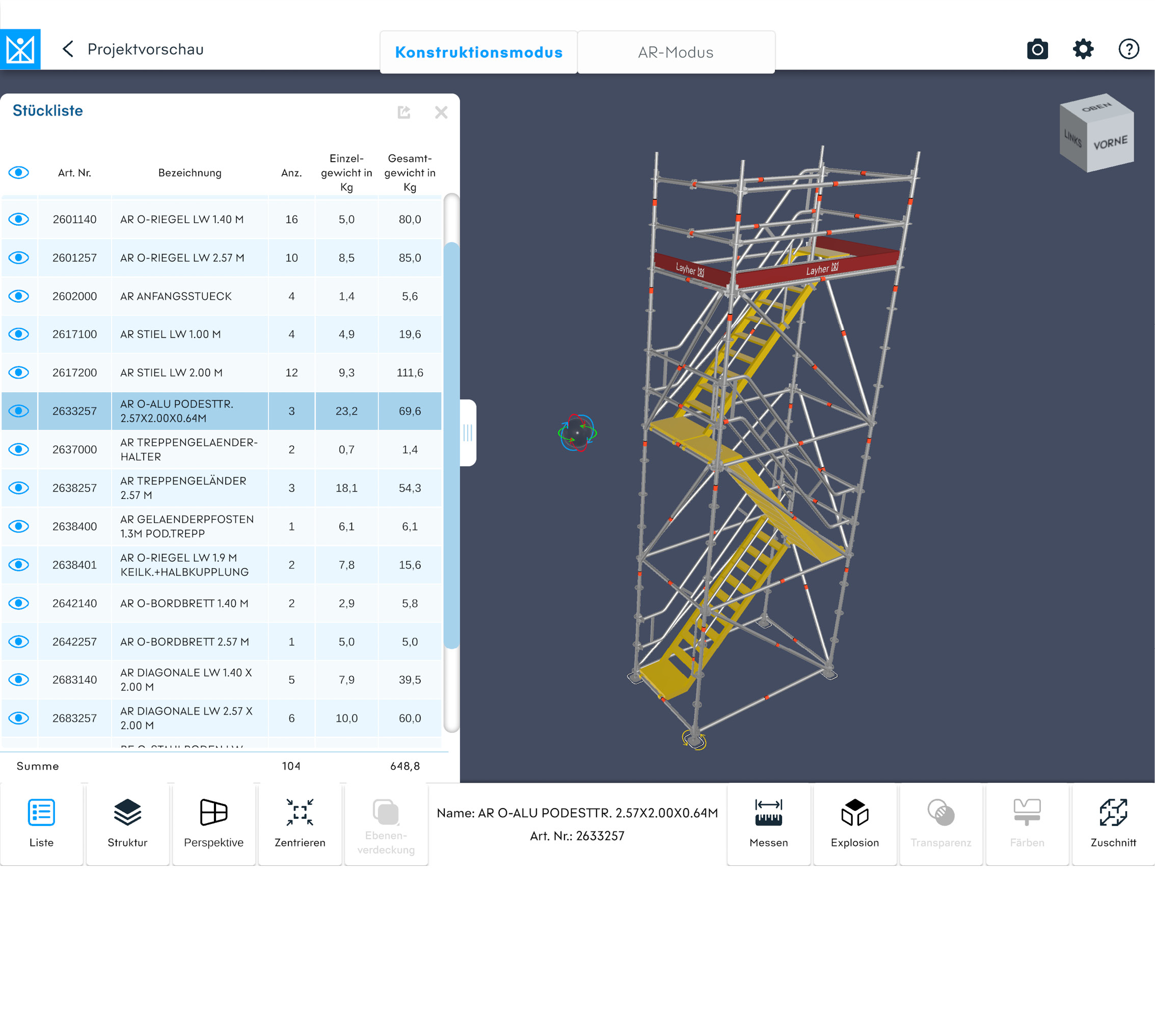
Intelligent and interactive parts list function: All components of an item can be displayed in the design. These are highlighted in colour. Selected components can be shown/hidden. Parts list adapts automatically depending on the cut.
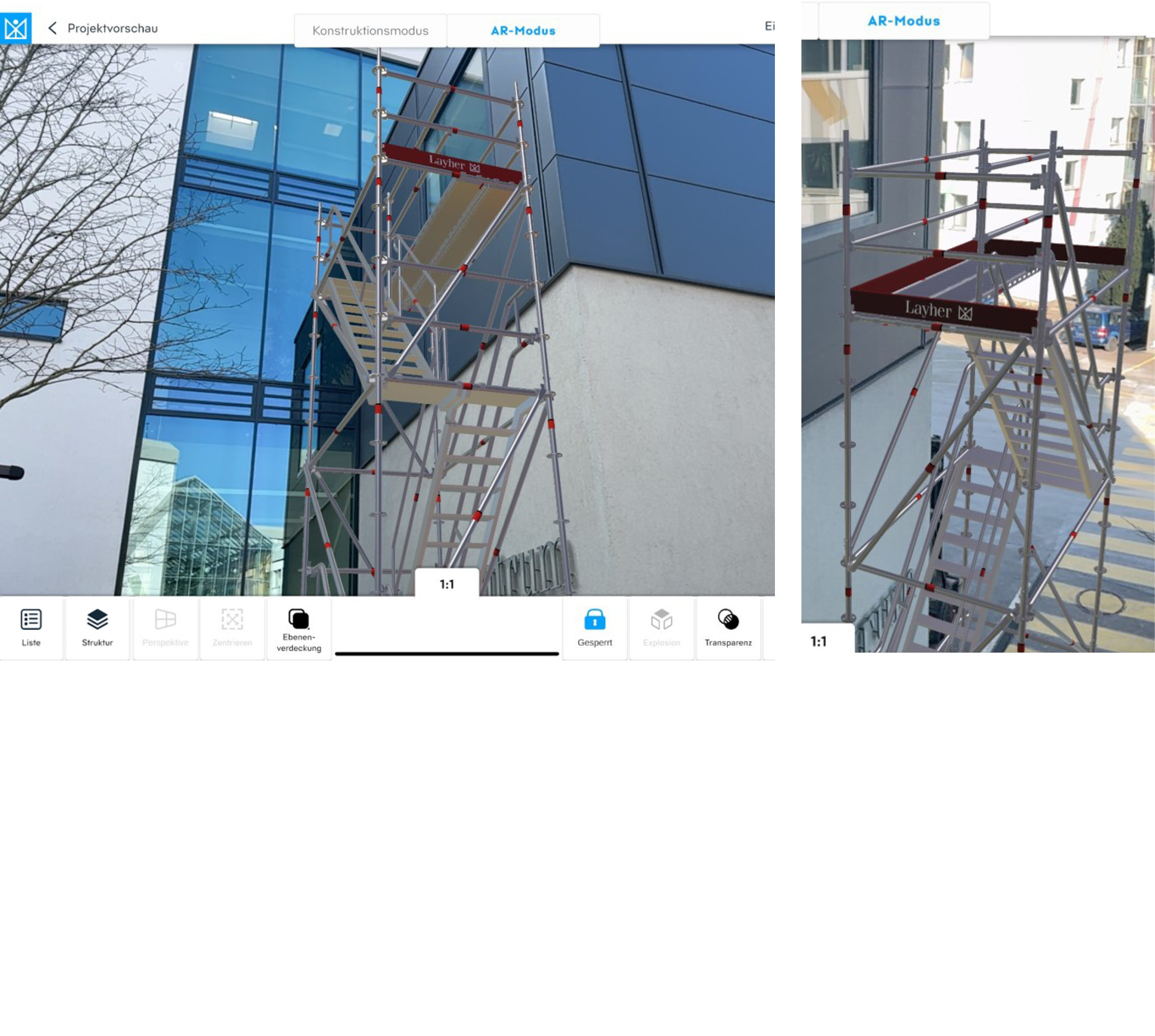
Placing the virtual scaffolding in the real environment using augmented reality: The set-down point can be defined beforehand in construction mode by selecting a base spindle. The model can be aligned using familiar finger gestures. The pivot point can be defined by selecting the foot spindle. The construction can be locked to prevent unintentional movement.
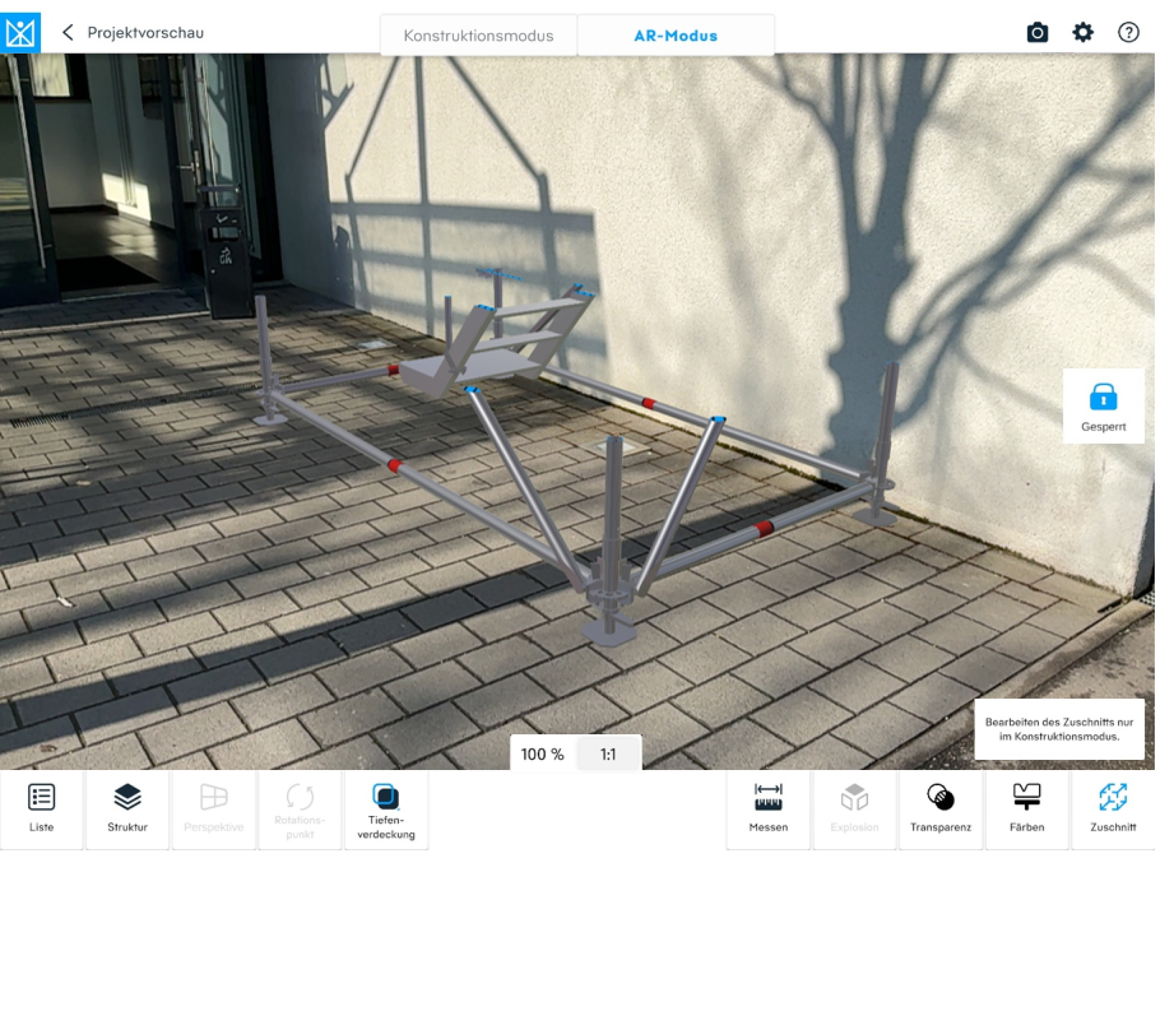
Augmented reality mode with cutting function (limit box) for visualising parts of the scaffolding structure.
The Benefits for You
Loading component...
- Increased efficiency thanks to the direct use of 3D scaffolding models – with realistic visualisation and an augmented reality function
- Assembly based on the model – even easier, even faster
- A clearer overview, even on large projects, with the cropping function for displaying specific sections
- Quick and intuitive identification of scaffolding components
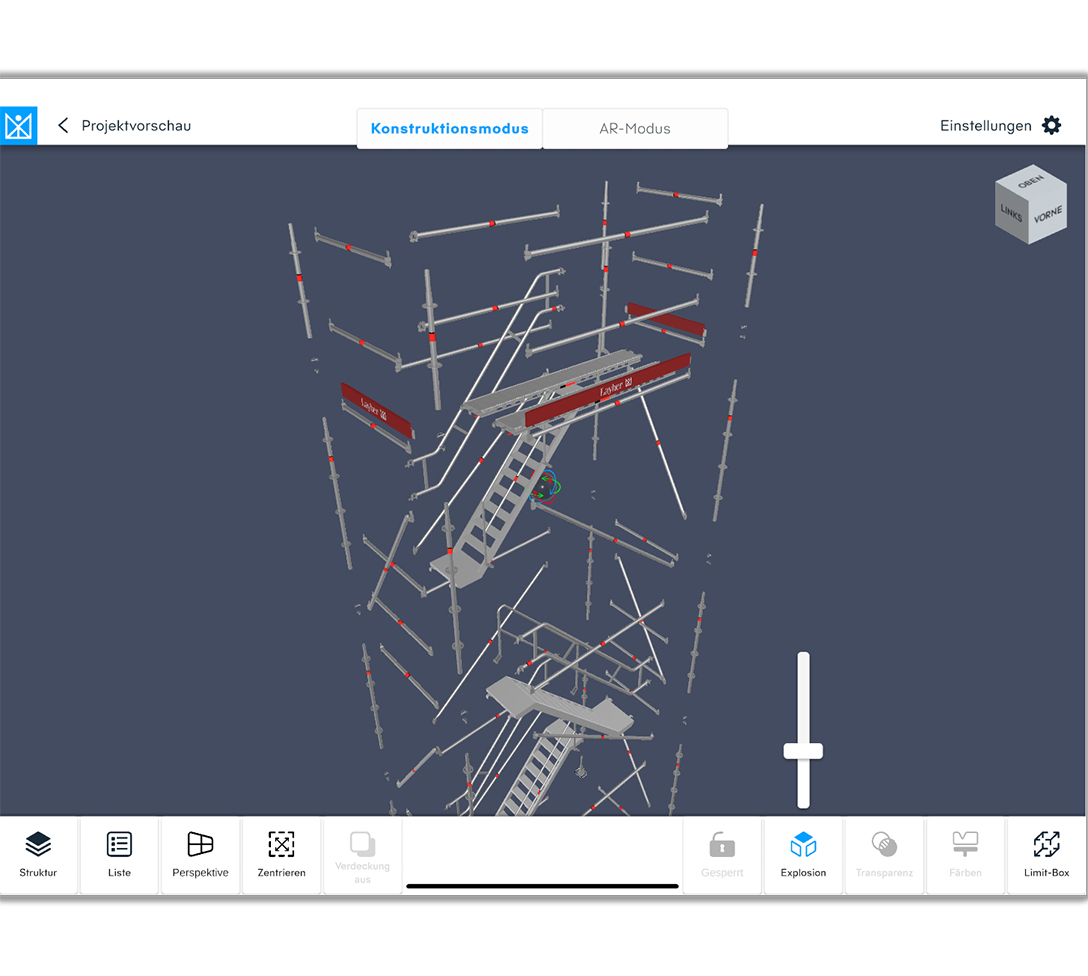
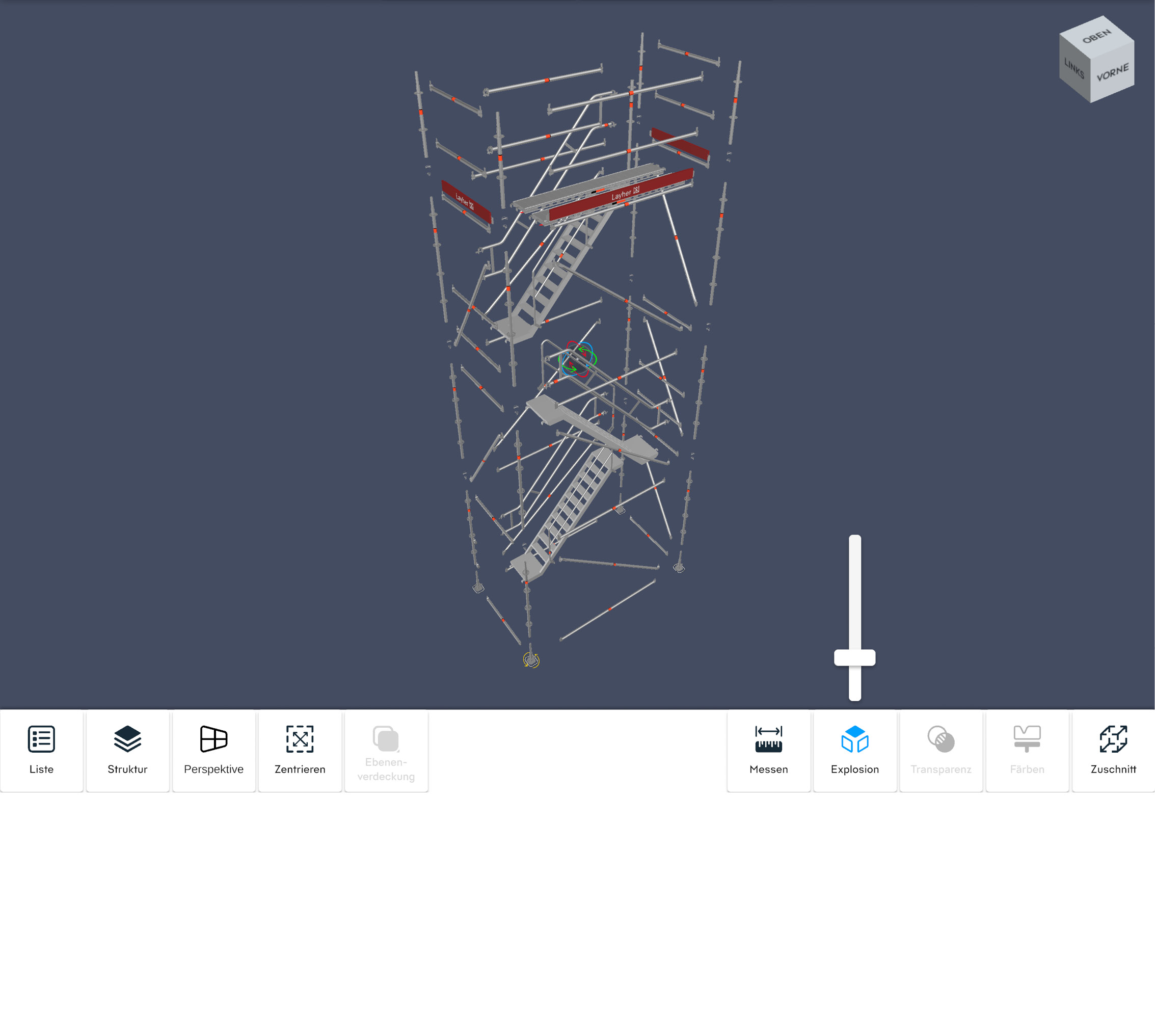
- With Explosion Mode, every detail is always at your fingertips
- Intelligent and interactive bill of materials functions for generating lists directly on site to support logistics
- Time savings in work preparation, as fewer 2D assembly drawings need to be produced on paper
- Ensuring the quality of the completed scaffolding through rapid comparison of planned and actual figures
- Professional presentation of virtual scaffolding in a real-world environment, either at the time of placing an order or for prior consultation
- Easy to use the app without registration
- Tablet with iPadOS from Version 12.0
Recommended: iPad Pro 5th Generation or newer - Android Tablet with min. Android 12
- Windows 11 (with the Windows-Version the Augmented reality mode is not available)